Setup Wizard
After deploying Shipkit, the onboarding wizard walks you through connecting your services. Access it from the dashboard after first login.
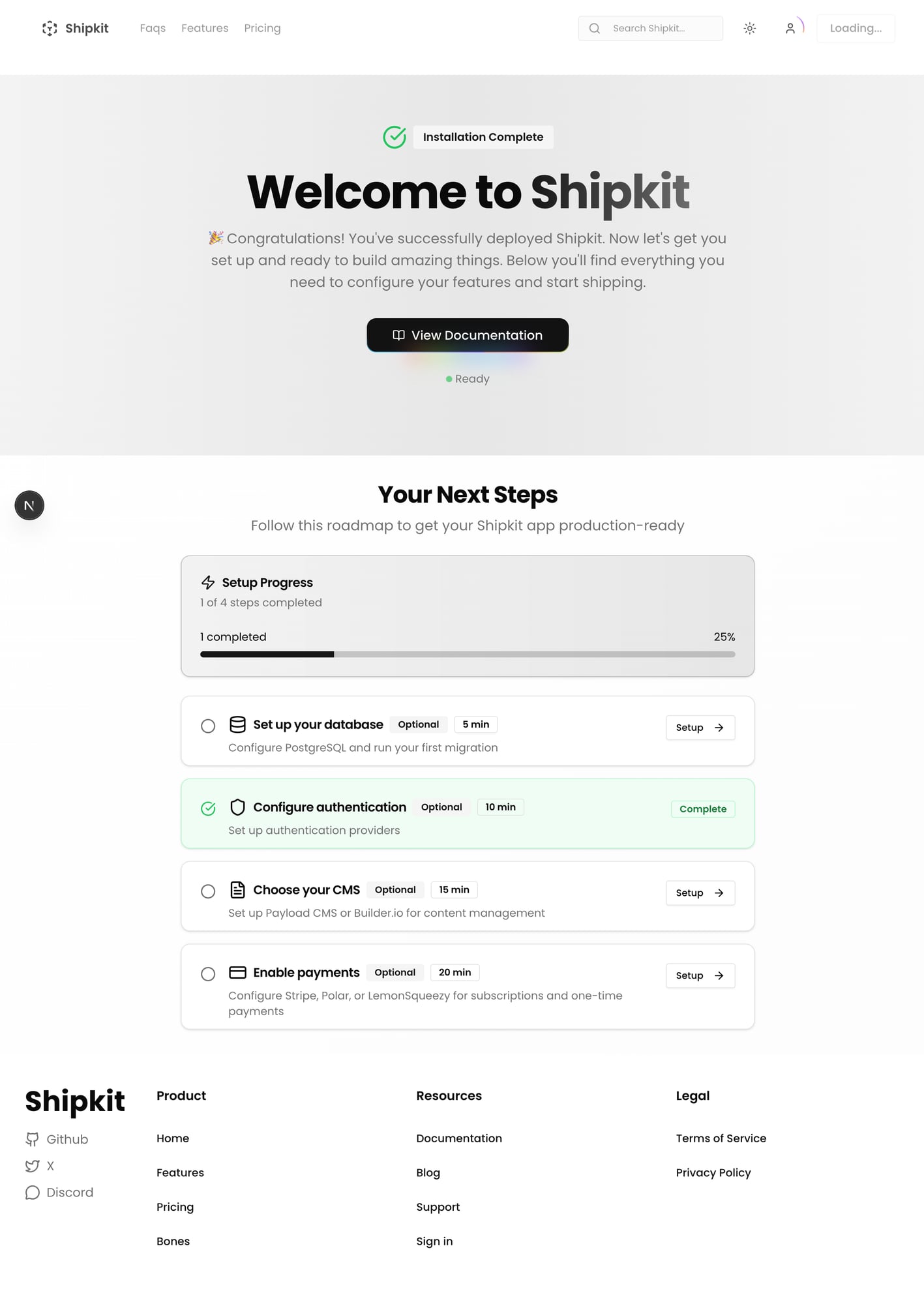
Step 1: Connect GitHub
Links your GitHub account via OAuth. This enables:
- GitHub authentication for your users
- Repository access for deployment features
- Profile info (username, avatar) in the app
Click "Connect GitHub" and authorize the OAuth app. The wizard stores the connection and shows a green checkmark when done.
Step 2: Connect Vercel (Optional)
Only shown when NEXT_PUBLIC_FEATURE_VERCEL_INTEGRATION_ENABLED is set. Links your Vercel account for:
- One-click project deployments from the dashboard
- Deployment tracking and status monitoring
Skip this if you don't need in-app deployment features.
Step 3: Deploy Project
Creates a Vercel deployment directly from the dashboard. Uses your connected GitHub repo and Vercel account.
This step is optional. You can always deploy manually via vercel --prod or Git push.
Skipping the Wizard
Each step can be skipped individually. The wizard tracks completion in localStorage per user. Once all steps are completed or skipped, it won't show again.
Environment Variables
The wizard checks for these to determine what to show:
| Variable | Controls |
|---|---|
NEXT_PUBLIC_FEATURE_AUTH_GITHUB_ENABLED | GitHub connect step |
NEXT_PUBLIC_FEATURE_VERCEL_INTEGRATION_ENABLED | Vercel connect step |