Authentication
Shipkit uses NextAuth.js v5 with a database-backed session strategy. Authentication is controlled by the NEXT_PUBLIC_FEATURE_AUTH_ENABLED master flag. Individual providers are toggled independently.
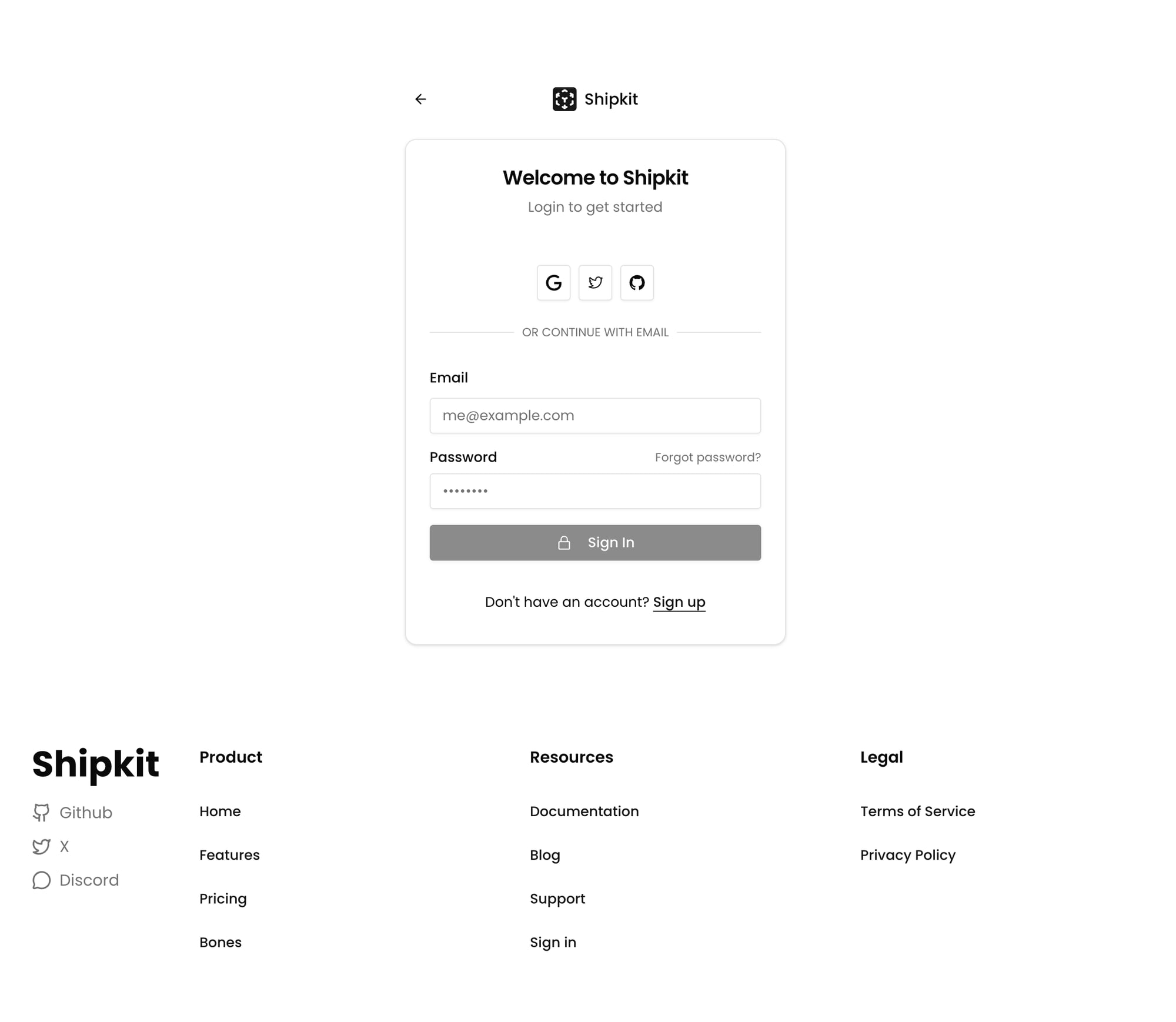
Supported Providers
OAuth Providers
| Provider | Flag | Required Env Vars |
|---|---|---|
| GitHub | NEXT_PUBLIC_FEATURE_AUTH_GITHUB_ENABLED | AUTH_GITHUB_ID, AUTH_GITHUB_SECRET |
NEXT_PUBLIC_FEATURE_AUTH_GOOGLE_ENABLED | AUTH_GOOGLE_ID, AUTH_GOOGLE_SECRET | |
| Discord | NEXT_PUBLIC_FEATURE_AUTH_DISCORD_ENABLED | AUTH_DISCORD_ID, AUTH_DISCORD_SECRET |
NEXT_PUBLIC_FEATURE_AUTH_TWITTER_ENABLED | AUTH_TWITTER_ID, AUTH_TWITTER_SECRET | |
| GitLab | NEXT_PUBLIC_FEATURE_AUTH_GITLAB_ENABLED | AUTH_GITLAB_ID, AUTH_GITLAB_SECRET |
| Bitbucket | NEXT_PUBLIC_FEATURE_AUTH_BITBUCKET_ENABLED | AUTH_BITBUCKET_ID, AUTH_BITBUCKET_SECRET |
All OAuth providers have allowDangerousEmailAccountLinking enabled, so multiple providers can link to the same email automatically.
Email (Magic Link)
Provide RESEND_API_KEY and RESEND_FROM_EMAIL and magic link enables automatically, in production too. Users receive a magic link to sign in without a password. RESEND_FROM_EMAIL must be a sender on a Resend-verified domain. Disable with DISABLE_AUTH_RESEND=true.
Because anyone can type an address into the form and make the app email it, two abuse controls run in the Auth.js signIn callback before any email is sent:
- Allowlist: set
AUTH_ALLOWED_EMAILSto a comma-separated list of addresses and/or domains (alice@corp.io, @corp.io). When set, unknown addresses getAccessDeniedand no email is sent. Unset means anyone can request a link. - Rate limits: per-address (3 requests / 15 min) and per-IP (10 requests / 15 min) limits on sign-in email requests. Requires Upstash Redis (
UPSTASH_REDIS_REST_URL+UPSTASH_REDIS_REST_TOKEN); without it, limits no-op.
Credentials (Email/Password)
Set NEXT_PUBLIC_FEATURE_AUTH_CREDENTIALS_ENABLED=true. Requires Payload CMS to be enabled (it manages user accounts and passwords). Passwords are hashed with scrypt.
Guest Access
Set NEXT_PUBLIC_FEATURE_AUTH_GUEST_ENABLED=true. Users enter a display name and get a JWT-only session (no database persistence). User IDs are formatted as guest_{timestamp}_{name}.
When only guest auth is enabled, the system switches to JWT-only strategy automatically.
Session Handling
- Database sessions (default): Stored in PostgreSQL via the Drizzle adapter. Max age: 30 days, update interval: 24 hours.
- JWT sessions: Used for guest mode or when the database is unavailable.
The session includes user.isAdmin (boolean) populated from the JWT callback.
Protecting Routes
Server Components
import { auth } from "@/server/lib/auth";

export default async function ProtectedPage() {
  const session = await auth({ protect: true });
  // Redirects to /sign-in if not authenticated
  return <div>Hello {session.user.name}</div>;
}
Admin Routes
Admin routes use a layout-level check in src/app/(app)/(admin)/layout.tsx:
import { auth } from "@/server/lib/auth";
import { isAdmin } from "@/server/services/admin-service";

export default async function AdminLayout({ children }) {
  const session = await auth();
  if (!session?.user?.email || !isAdmin({ email: session.user.email })) {
    redirect(routes.home);
  }
  return <>{children}</>;
}
Server Actions
"use server";
import { auth } from "@/server/lib/auth";

export async function myProtectedAction() {
  const session = await auth({ protect: true });
  // session.user is guaranteed to exist here
}
Client Components
"use client";
import { useIsAdmin } from "@/hooks/use-is-admin";

export function AdminButton() {
  const isAdmin = useIsAdmin();
  if (!isAdmin) return null;
  return <button>Admin Action</button>;
}
Admin Role System
Admin status is determined by checking (in order):
- Email config:
ADMIN_EMAILenv var (comma-separated list) orADMIN_DOMAINS(domain-based matching). Default admin:me@lacymorrow.com. - Database role: User record with
role = "admin"in the users table. - RBAC permission: User has the
system:adminpermission. - Payload CMS: User exists in the Payload CMS users collection.
If any check passes, the user is admin.
RBAC
The RBAC system (src/server/services/rbac.ts) provides granular permissions:
- Resources: team, project, user, api-key, billing, settings
- Actions: create, read, update, delete, manage
- Context-aware: Permissions can be scoped to teams or projects
Check permissions in API routes:
const check = await RBACService.checkPermission(req, {
  resource: "team",
  action: "create",
  context: { teamIdParam: "teamId" },
});
// Returns 401/403 response if unauthorized
Auth Server Actions
Available in src/server/actions/auth.ts:
| Action | Purpose |
|---|---|
signInWithOAuthAction(providerId) | Start OAuth flow |
signInAction(input) | Credentials sign-in |
signUpWithCredentialsAction(formData) | User registration |
signOutAction() | Sign out |
forgotPasswordAction(email) | Send password reset email |
resetPasswordAction(token, password) | Complete password reset |
Auth Pages
| Route | Purpose |
|---|---|
/sign-in | Sign-in page |
/sign-out | Sign-out page |
/auth/error | Auth error page |
Key Files
| File | Purpose |
|---|---|
src/server/auth.ts | NextAuth exports (auth, signIn, signOut) |
src/server/auth-js/auth.config.ts | Provider config, callbacks, session strategy |
src/server/auth-js/auth-providers.config.ts | Provider definitions and feature flags |
src/server/services/auth-service.ts | Auth business logic |
src/server/services/admin-service.ts | Admin role checking |
src/server/services/rbac.ts | Permission system |
src/server/actions/auth.ts | Auth server actions |
Alternative Auth Libraries
Shipkit also supports Better Auth, Clerk, and Supabase Auth as alternatives. See the integration docs for setup.